
Enable Service Mode in your tracker’s app or web portal before the vehicle leaves your hands, not after. App activations usually run for around 10 hours, while portal or call-centre activations can stretch to 72 hours. If the toggle doesn’t switch on, call your tracking provider rather than the dealer, who usually cannot activate it for you.
TL;DR:
- Service mode suspension only disables automated theft alerts, while physical tampering and manual alarms remain active during vehicle servicing.
- Activating Service Mode can be done via app, portal, or call center, with portal activations lasting up to 72 hours and app sessions around 10 hours.
- Owners must verify that Service Mode is active through the app or confirmation email before leaving the vehicle, especially during multi-day repairs or transport.
- Proper installation by professionals reduces connectivity issues and ensures consistent support from monitoring centers if activation problems arise.
- Clear communication and written confirmation between owners and workshops prevent accidental driving with theft protections disabled.
Table of Contents
- What does a service mode tracker actually suspend?
- How do you turn on service mode? App, portal and call-centre steps
- When should you use service mode versus transport mode?
- Why won’t service mode activate, and how do you fix it?
- A handover checklist for owners and workshops
- How does professional installation support service mode?
- Practical protocols that reduce risk during servicing
- Get help activating and managing service mode
- Where to check exact procedures for your vehicle
- Sources
- FAQ
What does a service mode tracker actually suspend?
A service mode tracker setting temporarily switches off the automatic theft alerts your tracking system would otherwise fire the moment a technician starts poking around your Land Rover. Without it, a routine service can trigger a flurry of panicked notifications, and in the worst cases, an unnecessary call from the monitoring centre asking why your vehicle is apparently being stolen from a workshop ramp.
Here’s what typically gets suppressed:
- Movement detected while the engine is off (a car being pushed onto a ramp, for instance)
- Battery disconnection, which is routine during electrical work or key programming
- Alarm activation triggered by technicians working near doors, bonnet, or boot sensors
Certain protections stay switched on regardless. Physical tampering with the TCU, GSM, or GPS antenna still raises a flag, because that’s the kind of interference a thief causes, not a technician. Manual panic calls and monitoring-centre escalations also remain live throughout. Service Mode suspends automated triggers, not human judgement.
How do you turn on service mode? App, portal and call-centre steps
There are three routes to activating Service Mode, and which one you use depends on how long the vehicle will be out of your hands.
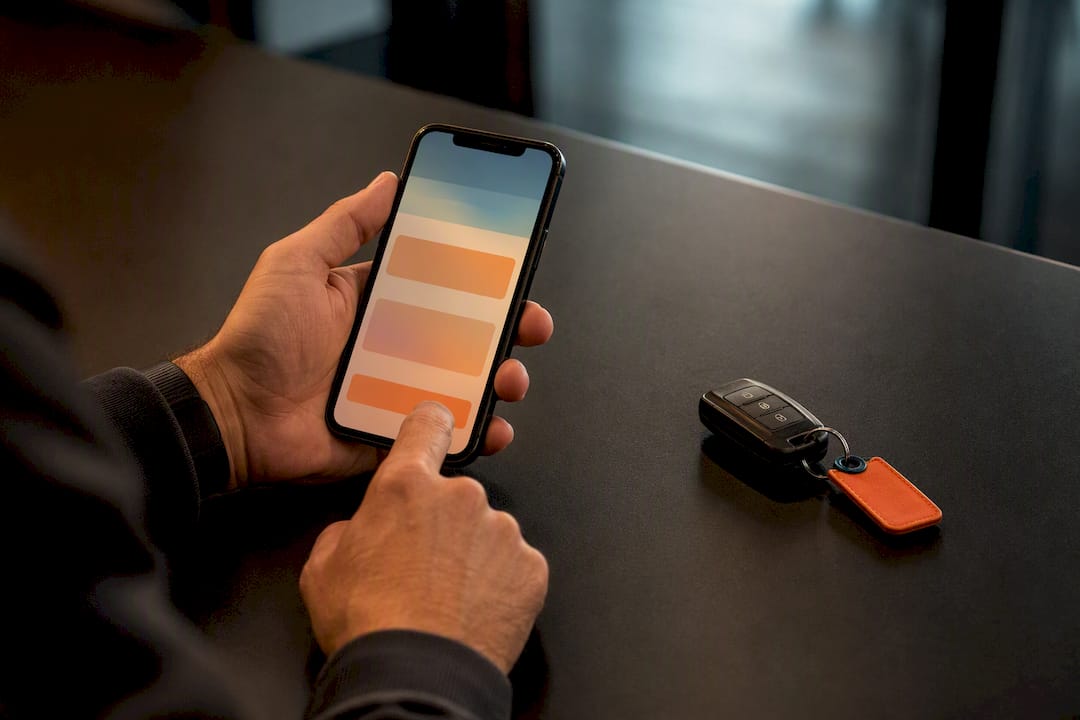
- Open the official app. Launch your manufacturer’s connected-services app (Land Rover’s InControl or equivalent), navigate to Security or Secure Tracker, and toggle Service Mode on. This route typically caps the session at around 10 hours, fine for a same-day service but tight for anything longer.
- Log into the web portal. If the job will run into a second day, sign in to your vehicle account portal rather than the app. Portal settings usually let you select a longer window, up to 72 hours on many manufacturer platforms, which covers most multi-day repairs without you needing to reactivate halfway through.
- Call the tracking centre. When neither the app nor the portal gives you enough runway, ring the monitoring or call centre directly and ask them to extend or activate Service Mode manually. Have your VIN and account ID ready. This step also applies if you’re a technician holding a customer’s vehicle and the owner hasn’t set it up themselves.
Once you’ve activated it, verify the change actually took. Check the app’s status screen for a confirmation message, and look for a confirmation email if your provider sends one. Some fitted aftermarket tracker units use a separate physical sequence entirely, ignition on, code entered, indicator lamp confirming the mode. If your vehicle has a unit like this, check the installer’s own entry and exit steps rather than assuming the manufacturer app controls it.
Pro Tip: Set a phone reminder the moment you activate Service Mode, timed for when you expect to collect the vehicle. It’s the single easiest way to avoid driving off with theft alerts still switched off.
When should you use service mode versus transport mode?
Service Mode and transport mode solve overlapping but distinct problems, and picking the wrong one leaves gaps in your protection.
- Service Mode suits workshop diagnostics, key programming, battery disconnects, and alarm testing, anywhere the vehicle stays stationary but gets physically disturbed. It’s built for short appointments.
- Transport Mode is the better fit when the vehicle is loaded onto a transporter, trailer, or towed for any distance. It suspends movement-based theft alerts for a defined window that covers the journey rather than a workshop bay.
- Duration differences carry across both. App-set sessions run short, roughly 10 hours, while portal or phone-assisted activations can hold for up to 72 hours. If a repair overruns that window, don’t just hope it holds; call your provider and ask them to extend it or reactivate before the original session lapses.
Some manufacturers, Tesla among them, also run a separate in-vehicle diagnostic Service Mode that behaves nothing like a connected-service alert suspension. If a technician mentions “Service Mode” and means something different from your app toggle, check the vehicle manual before assuming the two are the same thing.
Why won’t service mode activate, and how do you fix it?
Before assuming there’s a fault, work through these checks in order.
- Confirm your subscription is active. An expired Secure Tracker subscription or incorrect login credentials block activation before you even reach the toggle.
- Check connectivity. Update the app to the latest version, restart your phone, and confirm you have signal. If the vehicle itself has poor telematics coverage (a basement car park, a rural workshop), wait a few minutes for it to reconnect.
- Verify the VIN link. Make sure the vehicle is correctly linked to your account. A mismatch here, common after a change of ownership or a re-registration, will silently stop Service Mode from applying.
- Look for pending security prompts. Two-factor confirmations or account security locks sometimes sit unnoticed in a notification tray, waiting for you to approve them.
- Escalate if it still fails. Take a screenshot, note the exact time, and contact the tracking call centre or your installer directly. Having a timestamp speeds up their diagnosis considerably.
A dead phone battery or a flat vehicle battery from cold weather can also mimic a Service Mode fault. If you’re troubleshooting in winter, it’s worth checking your vehicle’s electrical system isn’t the actual culprit before assuming the tracker app is broken.
A handover checklist for owners and workshops
A few minutes of preparation before you hand over the keys prevents most of the confusion that follows.
- Activate Service Mode and confirm the status shows correctly in your app before you leave the vehicle.
- Tell the workshop it’s active, and agree explicitly whether they’ll need to move the car during their work.
- Set a calendar reminder for when the job should finish, so you don’t forget to switch protection back on.
- If the work wraps up early, disable Service Mode immediately rather than waiting for the original window to expire.
Pro Tip: Write the activation time and expected collection time on the workshop’s job sheet. It gives both sides a shared reference point if anything runs over.
How does professional installation support service mode?
A tracker fitted properly from the outset makes every step above easier. Poor fitment is one of the more common reasons connectivity drops during a service, exactly when you need Service Mode working reliably.
- Professional installation reduces the risk of antenna interference or loose connections that can knock the TCU offline mid-appointment.
- Round-the-clock monitoring support means someone is available to activate or extend Service Mode by phone if your app access fails.
- Installers can check your account setup, confirm your subscription status, and talk you through verifying Service Mode before you leave the vehicle.
A well-installed tracker is also harder for anyone to tamper with, something worth knowing given how thieves target exposed tracker units on Land Rovers specifically.
Practical protocols that reduce risk during servicing
Most Service Mode confusion doesn’t come from a technical fault. It comes from two parties assuming the other has handled it. The owner assumes the workshop will sort it; the workshop assumes it’s already done. Neither checks, and the tracker fires an alert nobody wanted.
The fix isn’t complicated. Owners should treat activating and confirming Service Mode as their job, not the garage’s. A short written note on the job sheet, drop-off time, expected return, confirmation that Service Mode is active, closes the gap completely. On collection, check the app status before you drive away. It takes ten seconds and it’s the difference between leaving with full protection restored or driving off blind.
— Will
Get help activating and managing service mode
If you’d rather not troubleshoot app settings mid-handover, a professionally fitted, monitored tracker takes most of that friction away. Lrd-track fits Thatcham-approved trackers built specifically for Defender, Discovery, and Range Rover models, with UK-wide installation and 24/7 monitoring support behind every unit.
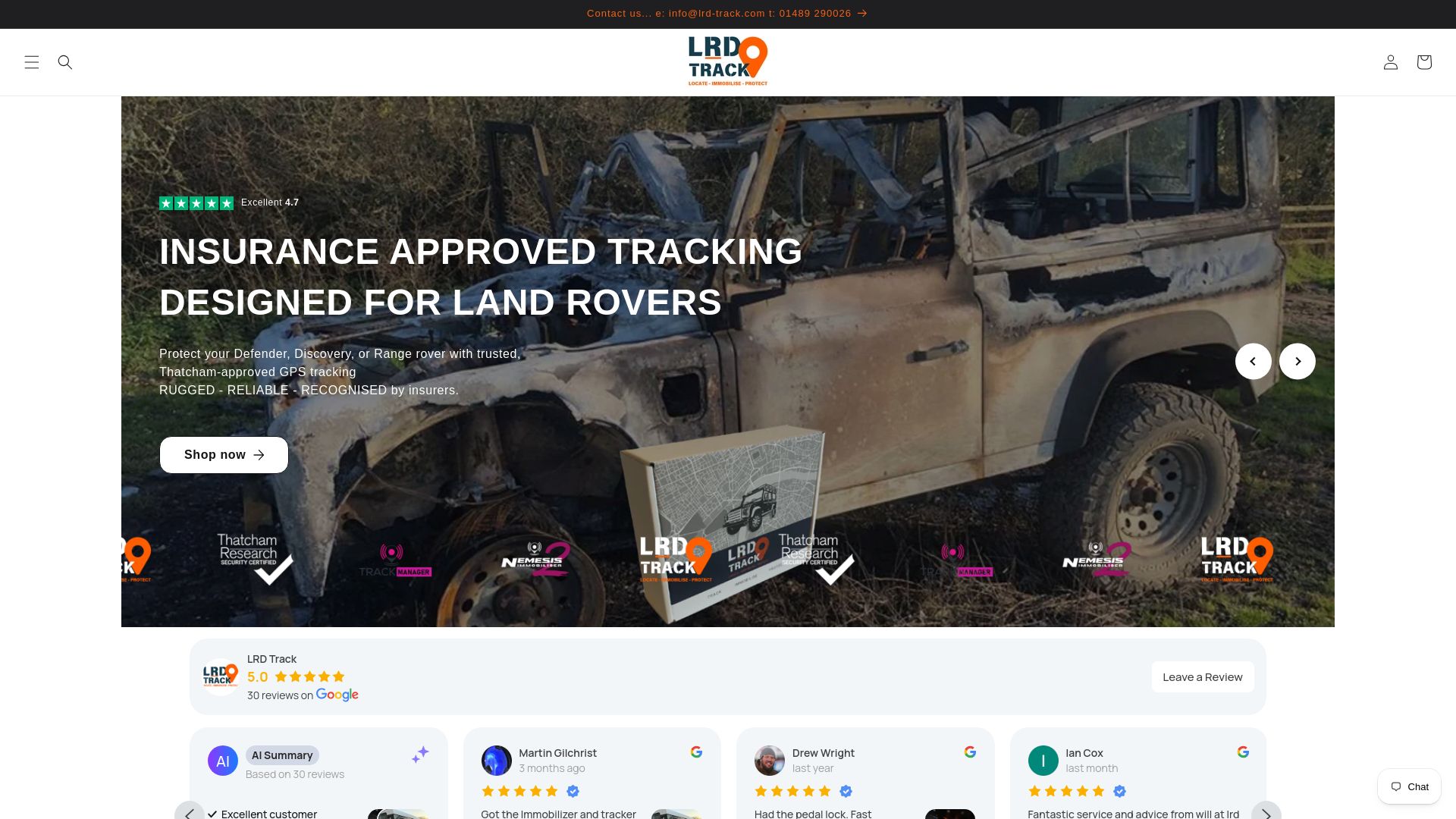
A monitoring team can assist if Service Mode won’t activate, to check account status, or to provide guidance on portal steps before a workshop handover. It’s practical backup alongside your manufacturer’s own app, not a replacement for it. If you’re weighing up hardware, the S7 tracker for Defenders and the S5 tracker with driver ID both come with fitting and ongoing account support included. Compare features on the product finder or book a fitting to get monitored protection sorted before your next service appointment.
Where to check exact procedures for your vehicle
- Secure Tracker guidance for manufacturer app and portal steps
- InControl Secure FAQs for duration and activation detail
Sources
FAQ
How do I turn on service mode?
Open your manufacturer’s connected-services app or web portal, go to Security or Secure Tracker, and toggle Service Mode on. App sessions typically last around 10 hours; the portal allows longer windows for extended workshop visits.
What car tracker is police approved?
There’s no single “police-approved” tracker list, but insurers and police forces widely recognise Thatcham approval as the relevant security standard. Lrd-track’s Land Rover trackers carry Thatcham approval, which insurers accept as evidence of a qualifying security device.
How do I put a fitted tracker into service mode?
Some fitted aftermarket units use a manual sequence rather than an app toggle, typically ignition on, a code entered, and an indicator lamp confirming the change. Check your installer’s specific entry and exit steps, since these vary between tracker brands.
How can you check if a car has a tracking device?
Check your vehicle’s connected-services app or account portal, which will show any registered tracker and its current status. A professional installer can also confirm exactly what’s fitted and verify the unit is reporting correctly.